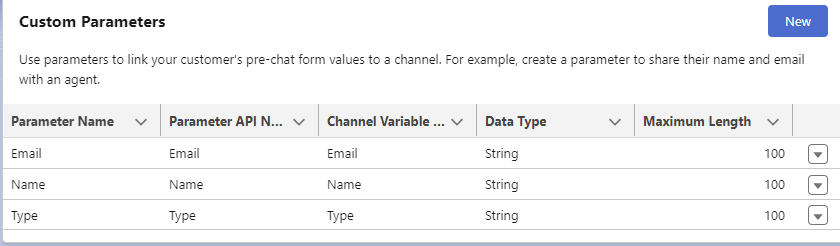
1. In the Messaging Channel’s Custom Parameters section, create a Custom Parameter of type String.
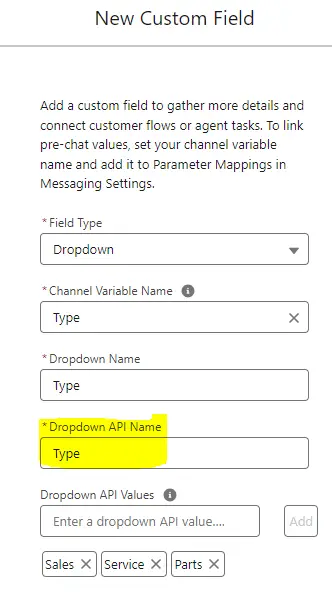
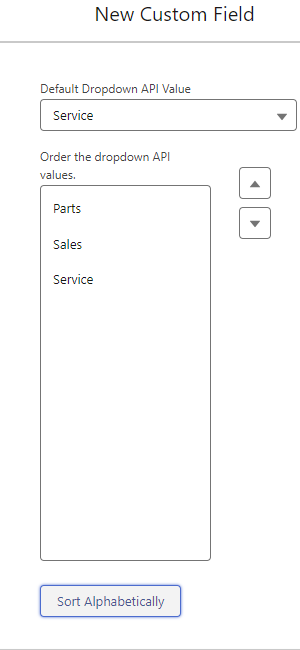
2. In the Embedded Service Deployment, edit the Pre-Chat form. Use Field Type “Dropdown” to configure the dropdown options.
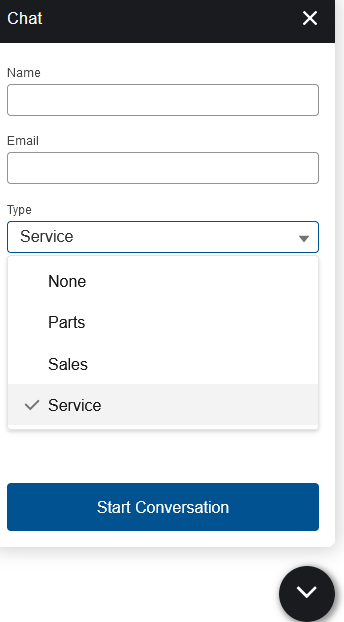
Output:
1. In the Messaging Channel’s Custom Parameters section, create a Custom Parameter of type String.
2. In the Embedded Service Deployment, edit the Pre-Chat form. Use Field Type “Dropdown” to configure the dropdown options.