Salesforce Channels: How to Collaborate Directly in Records Using Slack
As organizations increasingly rely on multiple platforms to drive productivity, context-switching remains a major friction point for revenue and support teams. Salesforce Channels bridge this gap by bringing the collaborative power of Slack directly into your CRM.
By connecting your teams directly within a Salesforce record, you can collaborate in real-time to solve complex technical problems, align on architecture, and manage intricate deals without ever leaving the platform. Whether your users are working out of Salesforce or Slack, this integration ensures that critical conversation data is accessible to team members wherever they are.
Below is the complete step-by-step guide to configuring the Slack to Salesforce connection and enabling Slack Channels for Records in your org.
Step-by-Step Configuration Guide
Follow these instructions to successfully authorize the connection, map your accounts, and expose the Slack component on your Lightning Record Pages.
1. Select “Manage Salesforce organizations” in Slack.
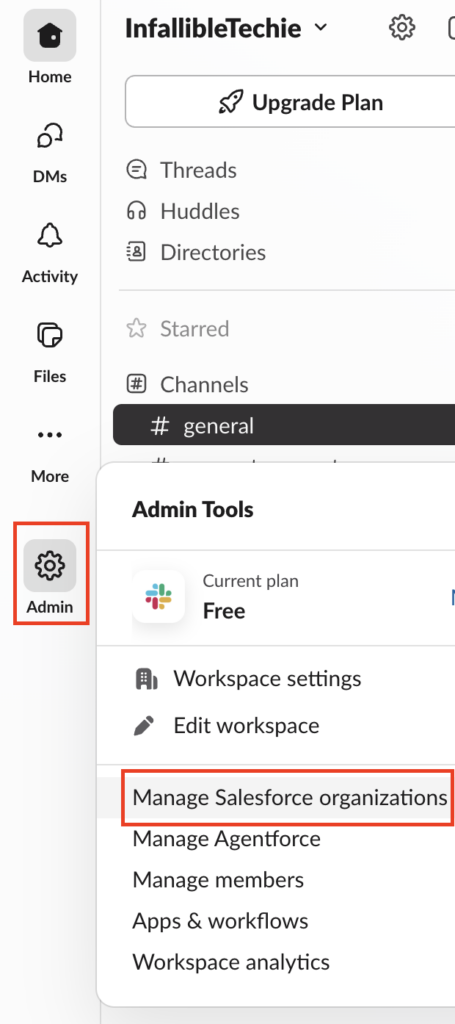
2. Click Connect Salesforce Org in the top-right corner. If you’re connecting an org for the first time, you will see “Get Started” button.
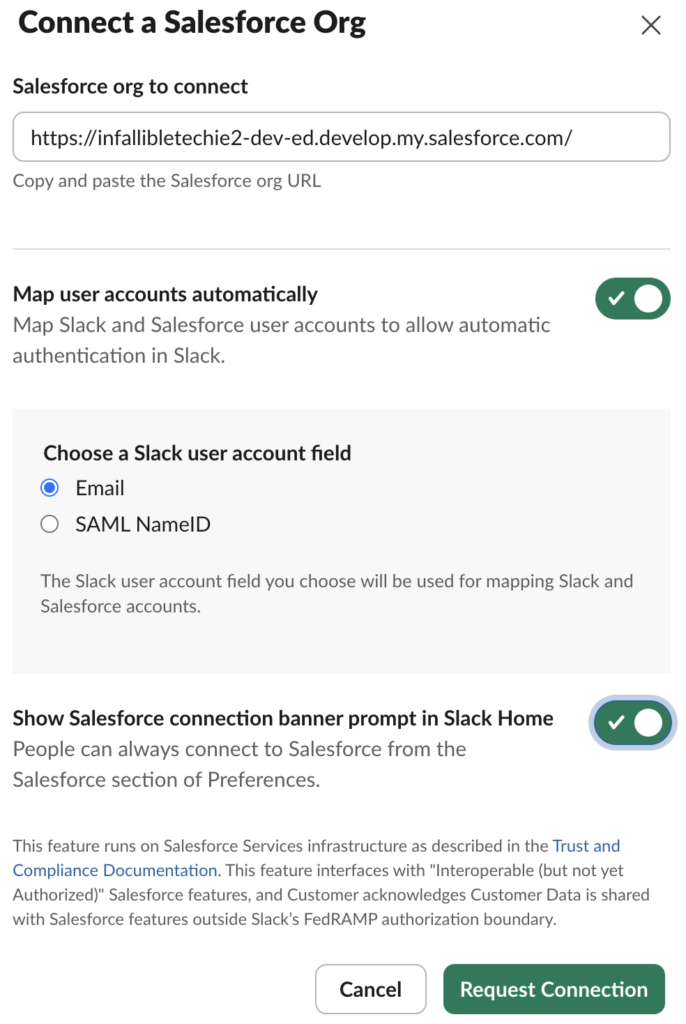
3. Enter your Salesforce org URL.
4. Choose whether to use Email or SAML NameID for the User Account mapping field.
5. Click the “Request Connection” button, then click OK button. Your request will be sent to Salesforce for the approval.
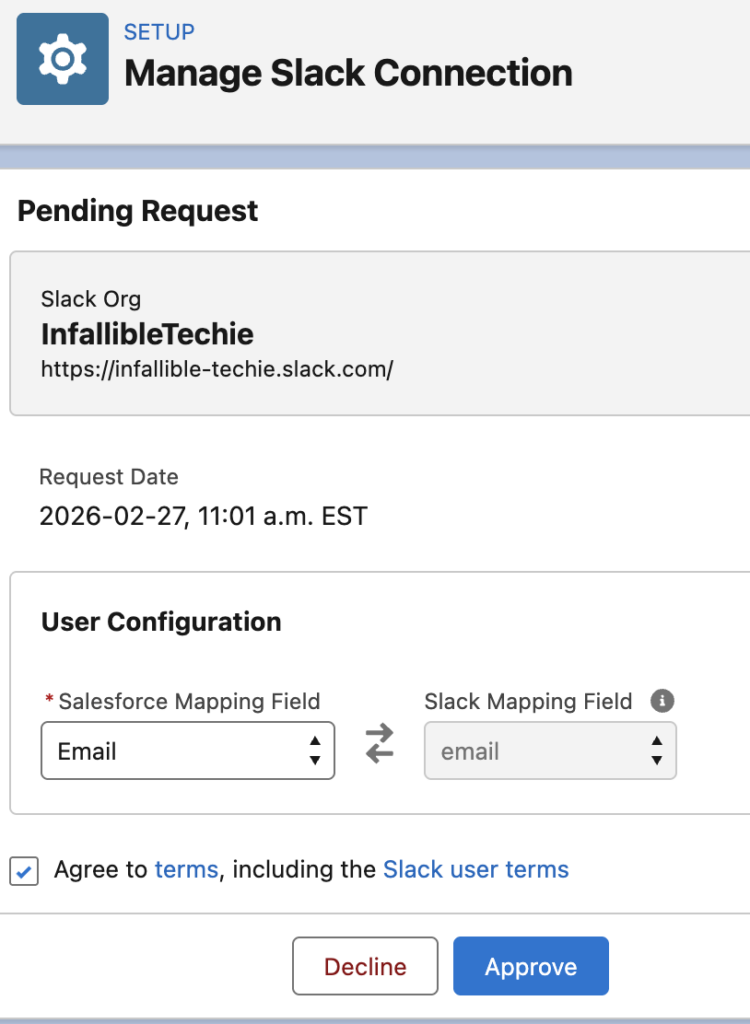
6. Go to “Manage Slack Connection” in Salesforce Setup to approve the connection.
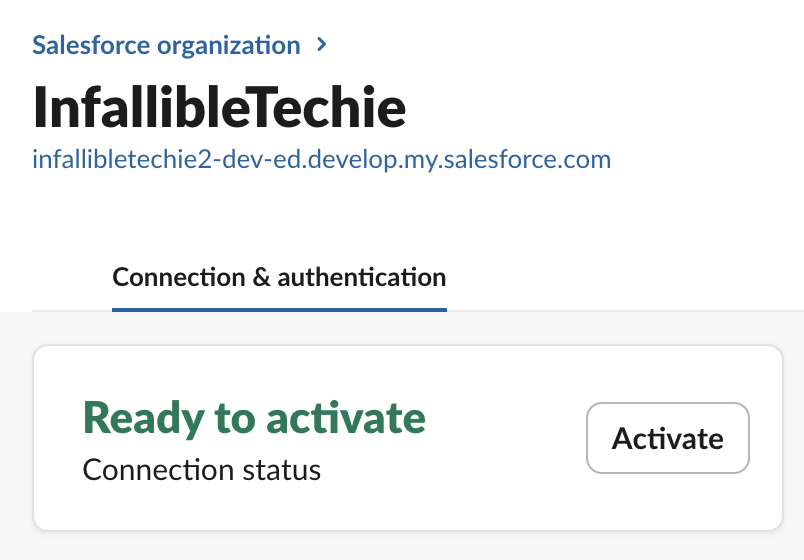
7. In Slack, click the “Activate” button to activate the Salesforce Integration.
8. Close the Slack app. Restart it again. You will see Bring Salesforce data into Slack with Sign in to Salesforce option. Integrate your Salesforce by logging in.
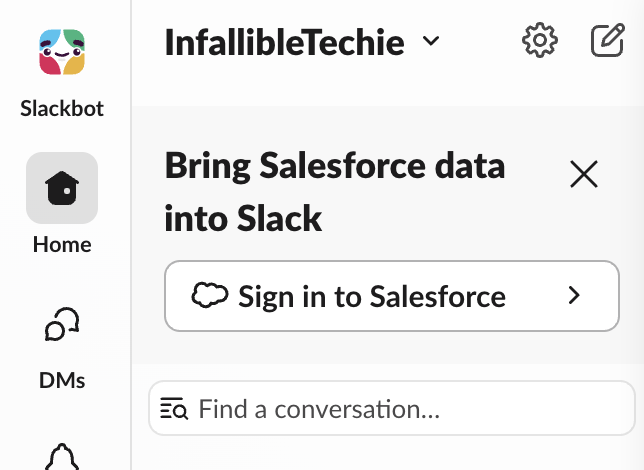
9. Go to “Slack Channels for Records” in Salesforce Setup. Check the terms and conditions.
10. Click “Add Objects” to select the objects.
11. Select the Record Pages for the objects selected. Click the Edit button. Add Slack standard component to the Lightning Record Page.
12. Open a record in Salesforce. Start the conversation in the Slack component. It will create a new Channel in Slack if this is the first time. You can collaborate on the record from both Salesforce and Slack.
Salesforce Article:
https://help.salesforce.com/s/articleView?id=slack.slack_salesforce_channels.htm&type=5