
If Create Contact Center is disabled in Salesforce Service Cloud Voice Setup, then check the following.
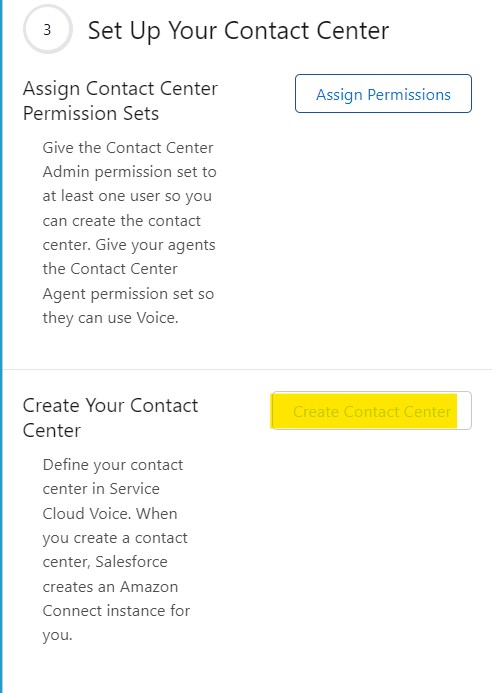
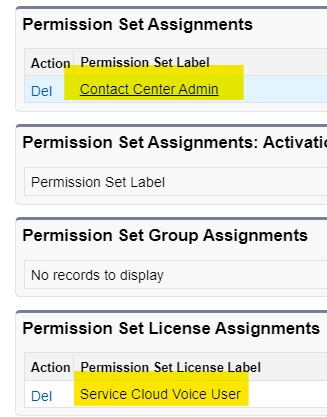
1. Make sure “Contact Center Admin” Permission Set is assigned to you.
2. Make sure “Service Cloud Voice User” Permission Set License Assignment is assigned to you.
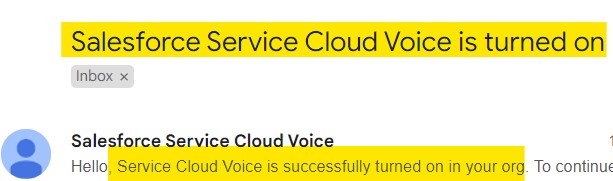
3. Wait for the email “Service Cloud Voice is successfully turned on in your org”.
All the above steps should be completed to Create Contact Centers in Salesforce Service Cloud Voice.