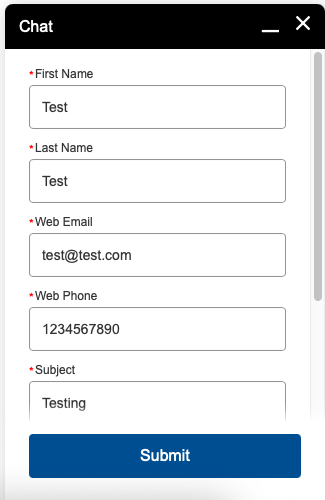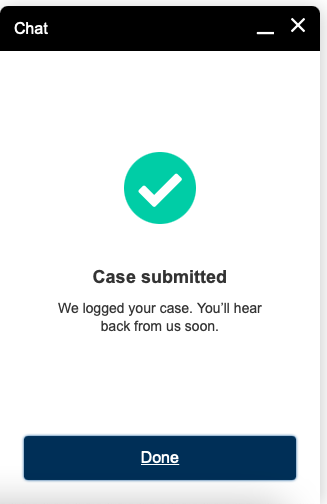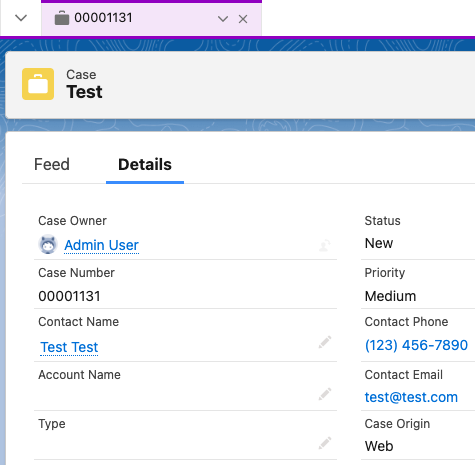
By default, we can create case from Offline Support Form. So, in order to create Contact record, we can capture the Contact details by creating additional fields in Case object and a Flow can be used to check for existing Contact and create a new Contact if no matching Contact record is found.
1. Create First Name and Last Name text fields in Case object to capture the Contact Name.
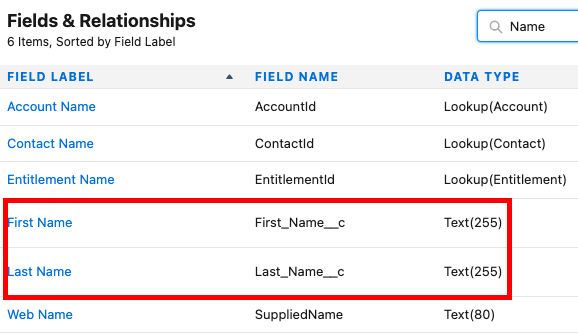
2. Add Fields created in Step 1 along with Web Phone and Email fields in the Offline Form.
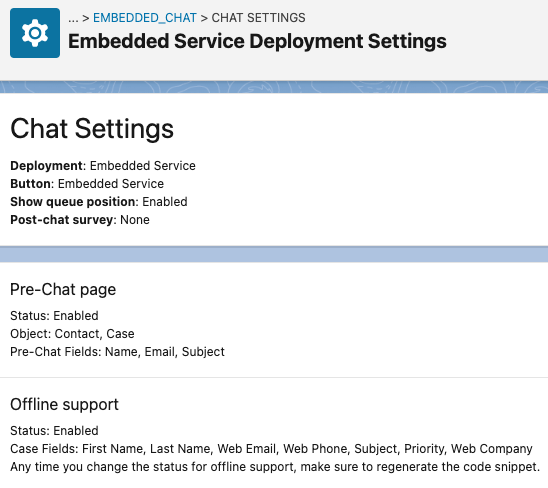
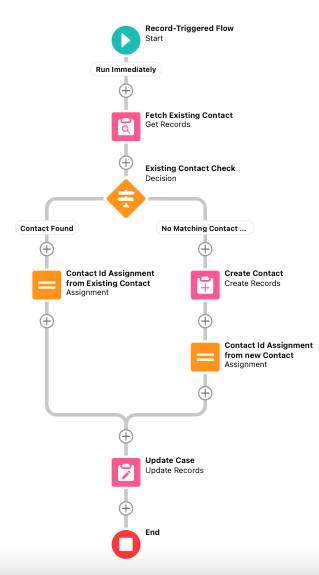
3. Create a Record-Triggered flow in Case object to create or find Contact and update the Case with the Contact found or created.
Sample Flow:
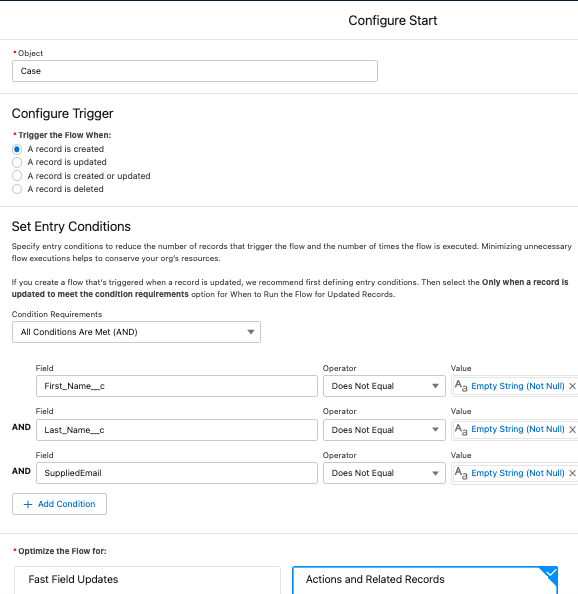
Flow Start Element:
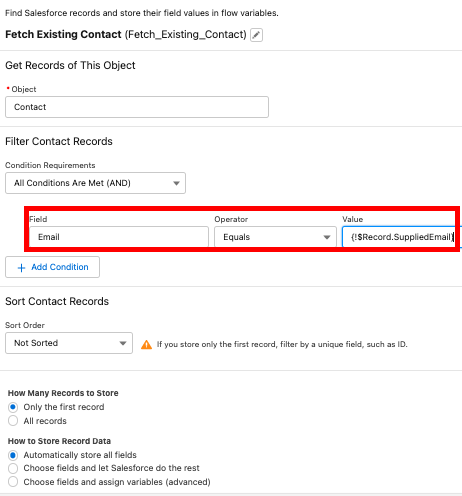
Fetch Existing Contact Get Records Element:
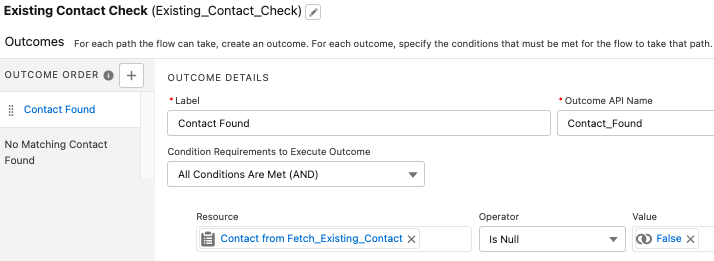
Existing Contact Check Decision Element:
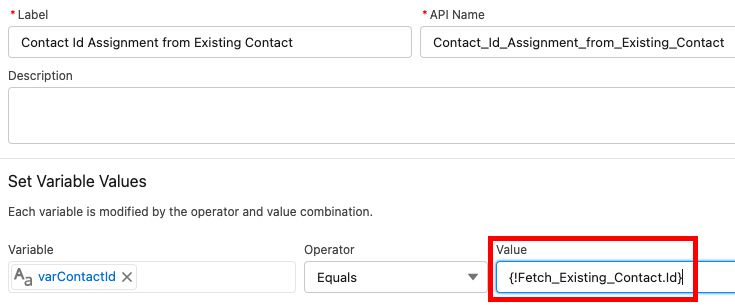
Contact Id Assignment from Existing Contact Assignment Element:
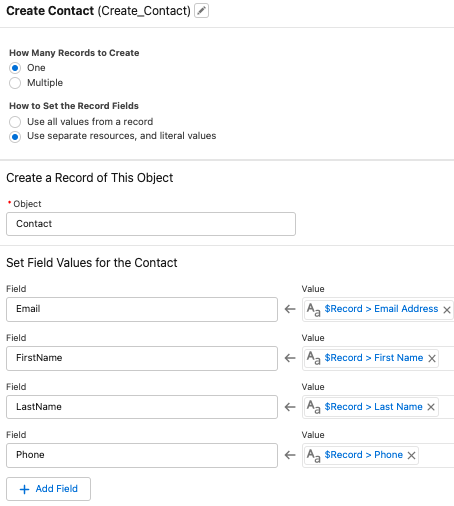
Create Contact Create Records Element:
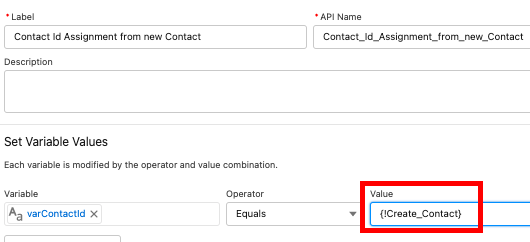
Contact Id Assignment from new Contact Assignment Element:
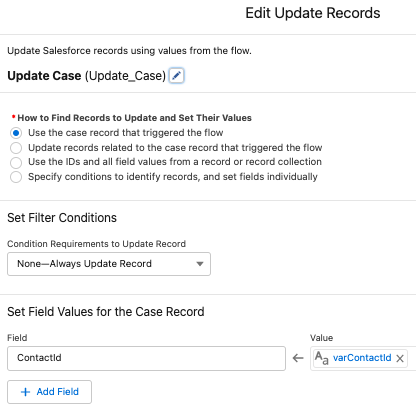
Update Case Update Records Element:
Output: