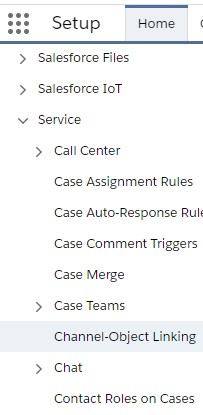
1. Go to Channel-Object Linking under Setup.
2. Click “New Linking Rule”.
3. Select a Channel.
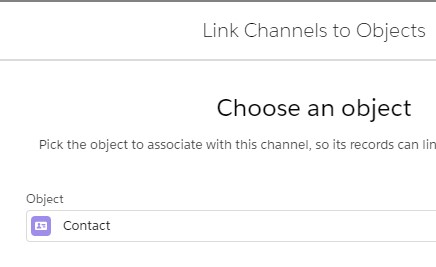
4. Select the Object.
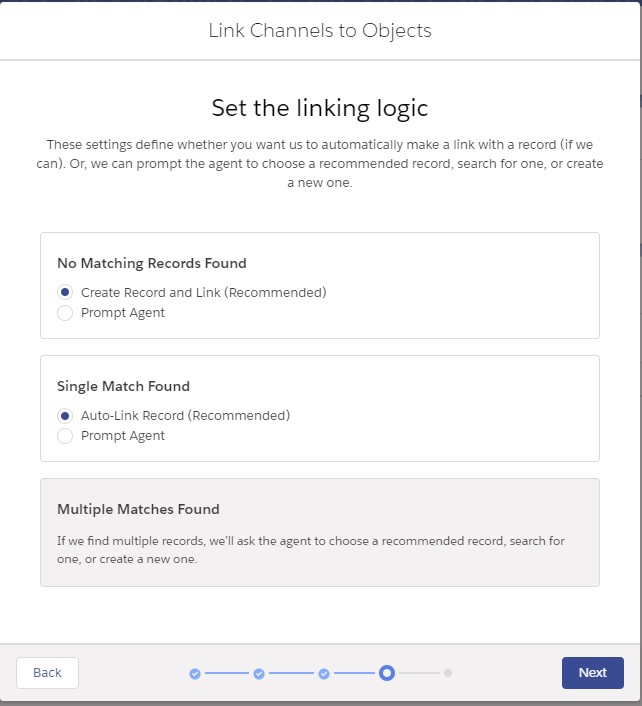
5. Set the Linking Logic.
1. Go to Channel-Object Linking under Setup.
2. Click “New Linking Rule”.
3. Select a Channel.
4. Select the Object.
5. Set the Linking Logic.