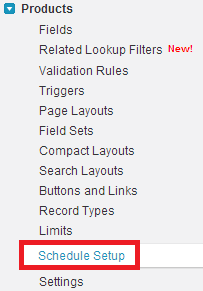
1. Go to Products –> Schedule Setup.
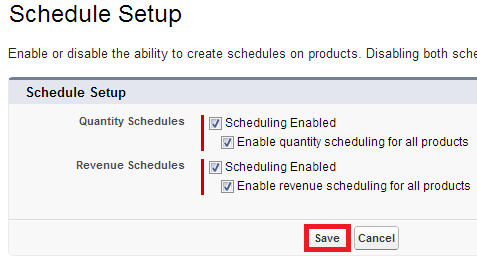

2. Enable the schedule.

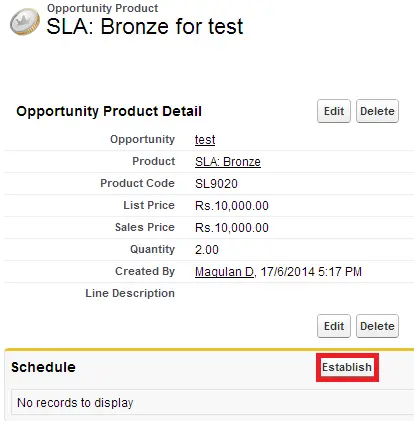
3. Open an Opportunity Product and click “Establish” button.

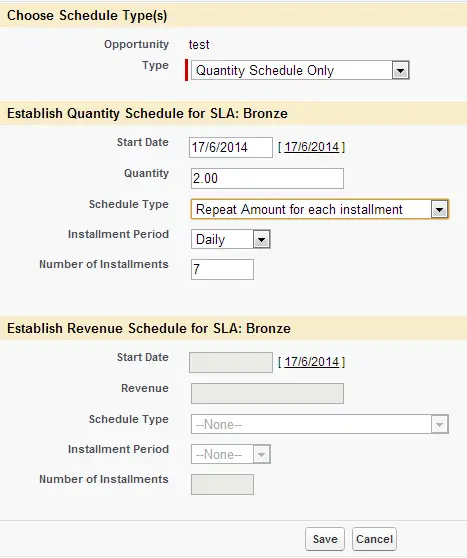
4. Choose the schedule type.

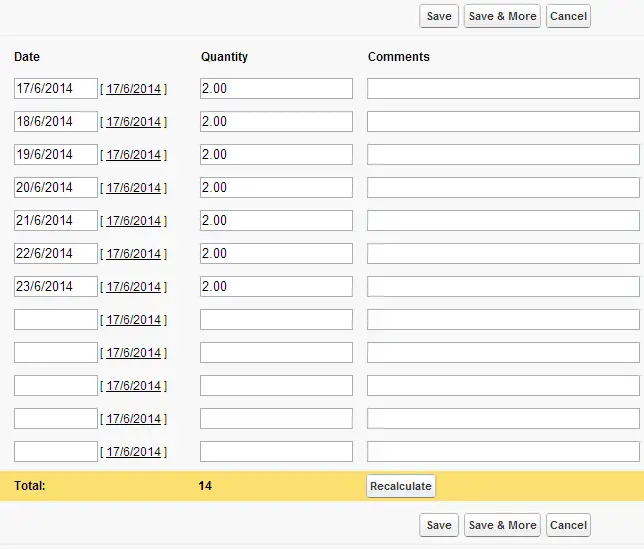
5. Confirm the schedule.

To automate the product schedule, use the below link
https://infallibletechie.com/2020/01/how-to-automate-product-schedule-to.html