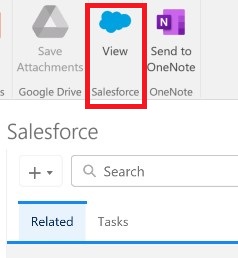
How to Configure the Salesforce Panel in Outlook: A Guide for Technical Admins
Introduction
Bridging the gap between your CRM and your inbox is essential for user adoption and data integrity. For enterprise environments, enabling the Salesforce Panel in Outlook allows users to seamlessly log emails, create records, and sync calendar events without constantly switching contexts.
For technical teams—whether you are a Salesforce Administrator configuring the environment, an Architect designing the integration landscape, or a Developer customizing the email pane layout—the setup process is straightforward but requires adherence to governance and security protocols.
Here is the quick, step-by-step guide to enabling the Salesforce to Outlook integration in your org.
Step-by-Step Setup Guide
To establish the base integration between your Salesforce environment and Microsoft Outlook, execute the following steps exactly as outlined:
1. Go to Salesforce Setup.
2. Open Outlook Integration And Lightning Sync.
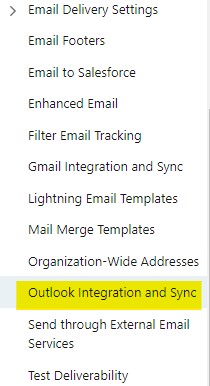
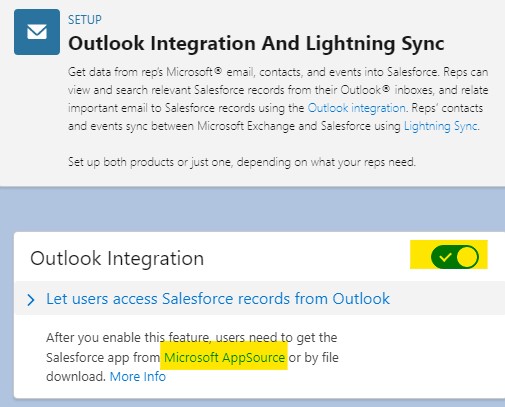
3. Enable “Outlook Integration”.
4. Share the Microsoft App Source link to the Outlook Users to install the Salesforce Add-In.
Output: